Replace your broken laptop screen
Fast and expert display replacement – includes a 2-year warranty for both the display and the work.
Expertise in apples you can rely on
We fix all Mac issues – from glitches to slowdowns – to ensure smooth performance.
Battery and screen replacement
Keyboard, trackpad and fan
Updates & efficiency
Problem solving and troubleshooting
Cleaning of spilled liquid
Fast service without a reservation

Only original or genuine parts
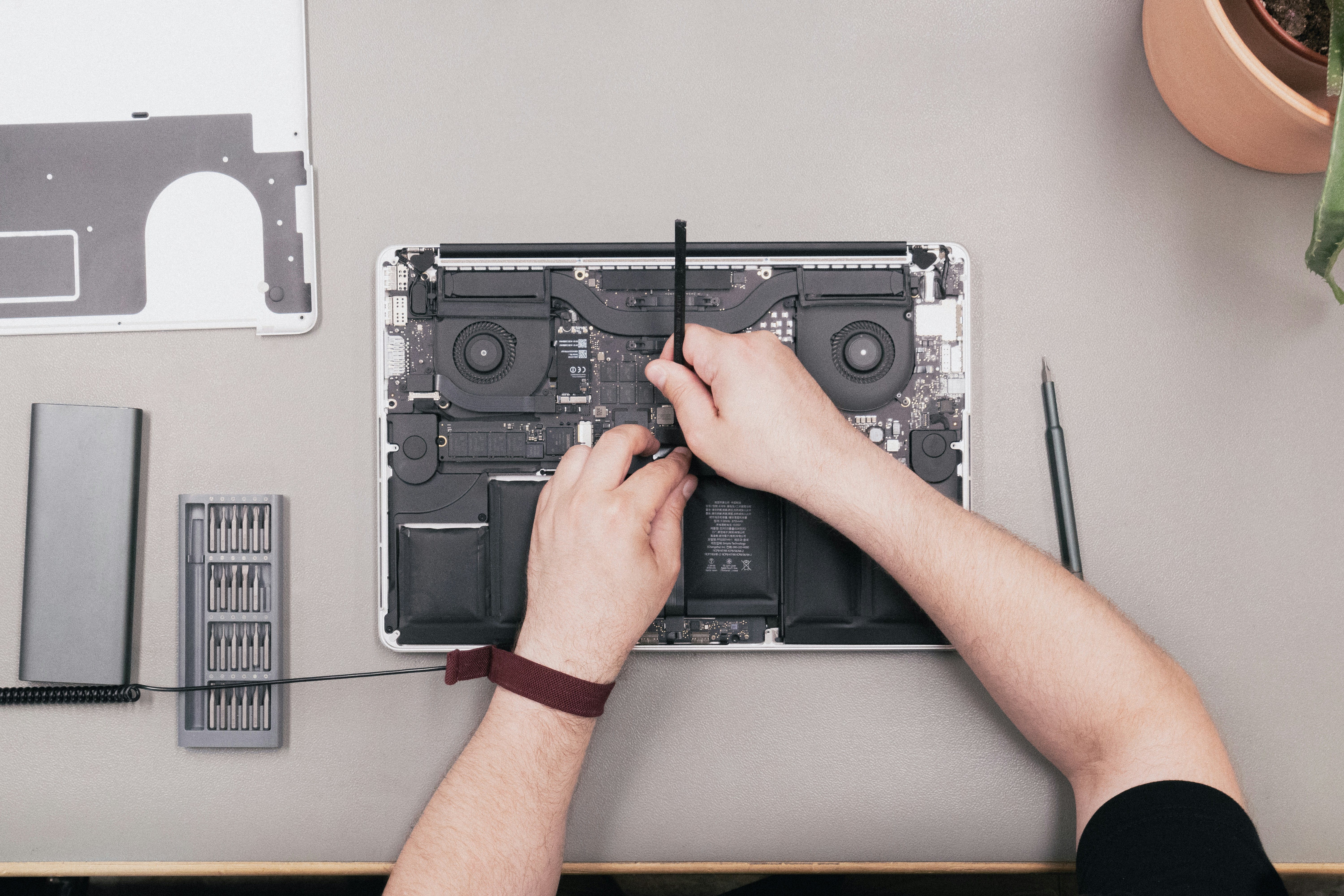
We use original or original quality parts in every Mac repair. Whether it's a display, battery, or motherboard, you are guaranteed a high-quality and securely protected part.
We only use the best
Preventive maintenance
Do you want your computer to last longer?
Dust removal (every 1–2 years)
Over the years, dust accumulates inside the computer, making it less efficient at cooling down.
Initially, the symptoms include it shutting down unexpectedly during use, but at some point, the machine may not start up at all. There is a risk of damaging the graphics card or processor.
Replacing these components requires changing the motherboard, which is a laborious and costly procedure. Very often, it is not worth doing, which means acquiring a new computer.
This is especially frustrating when the warranty period for the computer has just expired.
If you want to use your computer for as long as possible, we recommend bringing it in for dust cleaning every 1-2 years.
Changing thermal paste (every 3-4 years)
Replacing thermal paste along with dust removal is the most effective way to extend the lifespan of your computer.
Factory-installed thermal pastes typically lose their effectiveness after the warranty period or shortly thereafter, especially in laptops. The result, along with dust, is overheating of components.
The symptoms are similar: the computer shuts down unexpectedly during use and eventually will not start. Repairing it is rarely worthwhile.
If you want to use your computer for as long as possible, we recommend bringing it in for a thermal paste replacement after the warranty has expired.
The replaced thermal paste lasts at least 3-4 years, often even longer.
Preventive maintenance
Do you want your computer to last longer?
Dust removal (every 1–2 years)
Over the years, dust accumulates inside the computer, making it less efficient at cooling down.
Initially, the symptoms include it shutting down unexpectedly during use, but at some point, the machine may not start up at all. There is a risk of damaging the graphics card or processor.
Replacing these components requires changing the motherboard, which is a laborious and costly procedure. Very often, it is not worth doing, which means acquiring a new computer.
This is especially frustrating when the warranty period for the computer has just expired.
If you want to use your computer for as long as possible, we recommend bringing it in for dust cleaning every 1-2 years.
Changing thermal paste (every 3-4 years)
Replacing thermal paste along with dust removal is the most effective way to extend the lifespan of your computer.
Factory-installed thermal pastes typically lose their effectiveness after the warranty period or shortly thereafter, especially in laptops. The result, along with dust, is overheating of components.
The symptoms are similar: the computer shuts down unexpectedly during use and eventually will not start. Repairing it is rarely worthwhile.
If you want to use your computer for as long as possible, we recommend bringing it in for a thermal paste replacement after the warranty has expired.
The replaced thermal paste lasts at least 3-4 years, often even longer.
Satisfaction guarantee
What can you expect from each of our Mac services?
100%
100%
Satisfaction guarantee
Satisfaction guarantee
Every Mac is carefully inspected and repaired – without shortcuts.
Every Mac is carefully inspected and repaired – without shortcuts.
2 days
2 days
Fast delivery
Fast delivery
Most Mac repairs are completed within 0 to 2 working days – quickly and efficiently.
Most Mac repairs are completed within 0 to 2 working days – quickly and efficiently.
All Applets supported
All Applets supported
We handle all Mac models expertly – from MacBooks to iMacs.
We handle all Mac models expertly – from MacBooks to iMacs.
Quality spare parts
Quality spare parts
We use only original or original quality parts for reliable repairs.
We use only original or original quality parts for reliable repairs.
Pricing
The prices for battery change - work, battery, and one-year warranty included
Keep it in good condition with expert maintenance, timely updates, and appropriate care.
Keep it in good condition with expert maintenance, timely updates, and appropriate care.
Model, size and year model
Model, size and year model
Template number
Template number
Price
Price
MacBook Air
MacBook Air
MacBook Air
MacBook Air
MacBook Pro
MacBook Pro
MacBook Pro
MacBook Pro
MacBook näppäimistön vaihto
Keep it in good condition with expert maintenance, timely updates, and appropriate care.
Keep it in good condition with expert maintenance, timely updates, and appropriate care.
Malli, koko ja vuosimalli
Malli, koko ja vuosimalli
Mallinumero
Mallinumero
Hinta
Hinta
MacBook Air
MacBook Air
MacBook Air
MacBook Air
MacBook Pro
MacBook Pro
MacBook Pro
MacBook Pro
MacBook näytön vaihto
Hintaan sisältyy uusi näyttö, työ ja kahden vuoden takuu.
Hinta riippuu koneesi mallista ja vaihdetaanko tilalle alkuperäislaatuinen näyttö vai Applen alkuperäinen näyttö.
Voit katsoa eurolleen tarkan hinnan alla olevasta taulukosta.
Hintaan sisältyy uusi näyttö, työ ja kahden vuoden takuu.
Hinta riippuu koneesi mallista ja vaihdetaanko tilalle alkuperäislaatuinen näyttö vai Applen alkuperäinen näyttö.
Voit katsoa eurolleen tarkan hinnan alla olevasta taulukosta.
Malli, koko ja vuosimalli
Malli, koko ja vuosimalli
Mallinumero
Malli
numero
Alkuperäislaatuinen
Alkup.
laatuinen
Apple
Apple
MacBook Air
MacBook Air
MacBook Air
MacBook Air
MacBook Pro
MacBook Pro
MacBook Pro
MacBook Pro
How our service works
This is how easily we help
This is how easily we help
01
Come to the store or contact us
No appointment necessary, drop by the store, call or send a message.
02
Preliminary investigation and price estimate
Our expert will check the device, indicate where the fault is, and provide a clear price. If necessary, we will order the spare parts.
03
Quick fix
Most repairs are completed within 0-2 working days.
01
Come to the store or contact us
No appointment necessary, drop by the store, call or send a message.
02
Preliminary investigation and price estimate
Our expert will check the device, indicate where the fault is, and provide a clear price. If necessary, we will order the spare parts.
03
Quick fix
Most repairs are completed within 0-2 working days.
01
Come to the store or contact us
No appointment necessary, drop by the store, call or send a message.
02
Preliminary investigation and price estimate
Our expert will check the device, indicate where the fault is, and provide a clear price. If necessary, we will order the spare parts.
03
Quick fix
Most repairs are completed within 0-2 working days.
Customer feedback
What our customers say
What our customers say
Genuine comments from our customers. Read how we have helped people across Tampere with fast, reliable, and friendly technical support.
Technical problems? We'll fix them today.
Technical problems? We'll fix them today.
Slow machine, system crashed or files lost? We will take care of it quickly and reliably. Bring your device to us or request a home visit.

Tampere Computer Help
Opening hours
Mon–Thu 10–17
Fri 10–15
Have you thought about a new laptop?


© Suomen IT Centre Ltd 2025
Tampere Computer Help
Opening hours
Mon–Thu 10–17
Fri 10–15
Have you thought about a new laptop?
© Suomen IT Centre Ltd 2025
Tampere Computer Help
Opening hours
Mon–Thu 10–17
Fri 10–15
Have you thought about a new laptop?
© Suomen IT Centre Ltd 2025